Fitness Tracker Samsung: How to Choose a Lighter, Simpler Wearable
Fitness tracker Samsung guide: compare Galaxy Fit3, Galaxy Watch, Fitbit, Oura, Garmin, and Ray for lighter, simpler health tracking. Explore Ray.
On this page
- Start with the Samsung compatibility checklist
- Samsung Galaxy Fit3 versus a full Galaxy Watch
- Match the wearable to the metrics you will actually use
- Prioritize lightweight comfort for all-day and overnight wear
- Charging convenience is part of tracking consistency
- Compare Samsung Health options with the alternatives
- Key Takeaways
- Frequently Asked Questions
Fitness Tracker Samsung: How to Choose a Lighter, Simpler Wearable
A fitness tracker Samsung users can rely on should connect with the apps and phone features they actually use, then stay comfortable enough for all-day and overnight wear. Samsung Galaxy Fit3 and Galaxy Watch are logical starting points, but a lighter wearable with essential metrics and solar-powered charging can be a better fit when smartwatch features are not the priority.
Start with the Samsung compatibility checklist
Begin with three checks before comparing screens, bands, or sensors:
- Does the wearable connect directly with Samsung Health?
- Which phone operating system and models does it support?
- Are important features restricted to Samsung Galaxy phones?
The Galaxy Fit3 works with Android phones and connects through Samsung’s wearable apps. Samsung Galaxy Watches also support Android phones, although current Wear OS models do not support iPhones. Samsung notes that some health features require a compatible Galaxy phone, Samsung Health, and a Samsung account. (Samsung Galaxy Fit3 compatibility and features, Samsung Galaxy Watch compatibility)
Separate app compatibility from feature compatibility. A tracker may sync steps, sleep, and heart rate while limiting other functions. Phone-assisted GPS, notifications, camera controls, payments, calls, ECG features, and advanced Samsung Health tools can each have different requirements.
Use this decision rule: choose the wearable that reliably covers the metrics and routine you use every day. Samsung branding is useful when exclusive Galaxy features matter. It is less important when the main goal is to monitor movement, heart rate, sleep, and activity without adding another demanding device to your life.
For a broader framework, the health tracker guide covering what to track can help separate useful daily information from features that add complexity without changing your habits.
Samsung Galaxy Fit3 versus a full Galaxy Watch
The Galaxy Fit3 is a slim fitness band. A Galaxy Watch is a smartwatch with a much wider set of wrist-based functions.
Fit3 focuses on everyday activity, sleep, heart rate, exercise tracking, notifications, and selected phone controls. Samsung lists a battery estimate of up to 13 days for the Fit3, but real battery life depends on settings and use. The band also lacks built-in GPS, so outdoor routes require a connected phone. (Galaxy Fit3 specifications)
That GPS distinction matters most to runners, hikers, and cyclists who want to leave their phone behind. Tech It Easy makes the same point in its Samsung Galaxy Fit3 review, describing phone-dependent GPS as a major difference between a basic fitness band and a full smartwatch.
A Galaxy Watch adds built-in GPS on applicable models, phone calls, payments, third-party apps, richer notifications, and a larger display. Samsung’s Wear OS watches also support Google Play apps, Maps, music services, and calls when paired with a compatible phone. (Samsung Wear OS Galaxy Watch guide)
Choose the Fit3 when a slim screen and core tracking cover your routine. Choose a Galaxy Watch when your wrist needs to act as a phone extension. The larger question is whether those extra capabilities will be used often enough to justify more bulk and a more involved charging routine.
Match the wearable to the metrics you will actually use
Most people shopping for a Samsung-compatible wearable can start with four metrics:
- Heart rate: useful for observing resting patterns and workout intensity over time.
- Steps: a simple way to monitor daily movement.
- Sleep: helpful for noticing consistency, duration, and changes in routine.
- Activity: useful for seeing whether walking, workouts, or general movement are increasing.
The best device presents these measurements clearly and helps you notice trends. It does not need to display every possible metric on the wrist.
Check how the wearable records workouts. Does it automatically detect walking or running? Does it require the phone for route data? Can heart-rate trends be reviewed over several days? Does the app show sleep consistency clearly, or does it bury the useful information under scores and notifications?
Samsung Health is a practical reference point because it brings daily activity, steps, exercise, sleep, and heart-rate data into one place. Samsung also states that software features are not intended to diagnose or treat medical conditions, a useful reminder that consumer wearables support personal awareness rather than clinical measurement. (Samsung Health features and limitations)
A practical routine might be checking whether daily movement is increasing and whether sleep timing is becoming more consistent. That is usually more useful than reacting to every small change in a heart-rate reading. The health wearable metrics guide offers a deeper way to decide which measurements deserve attention.
Prioritize lightweight comfort for all-day and overnight wear
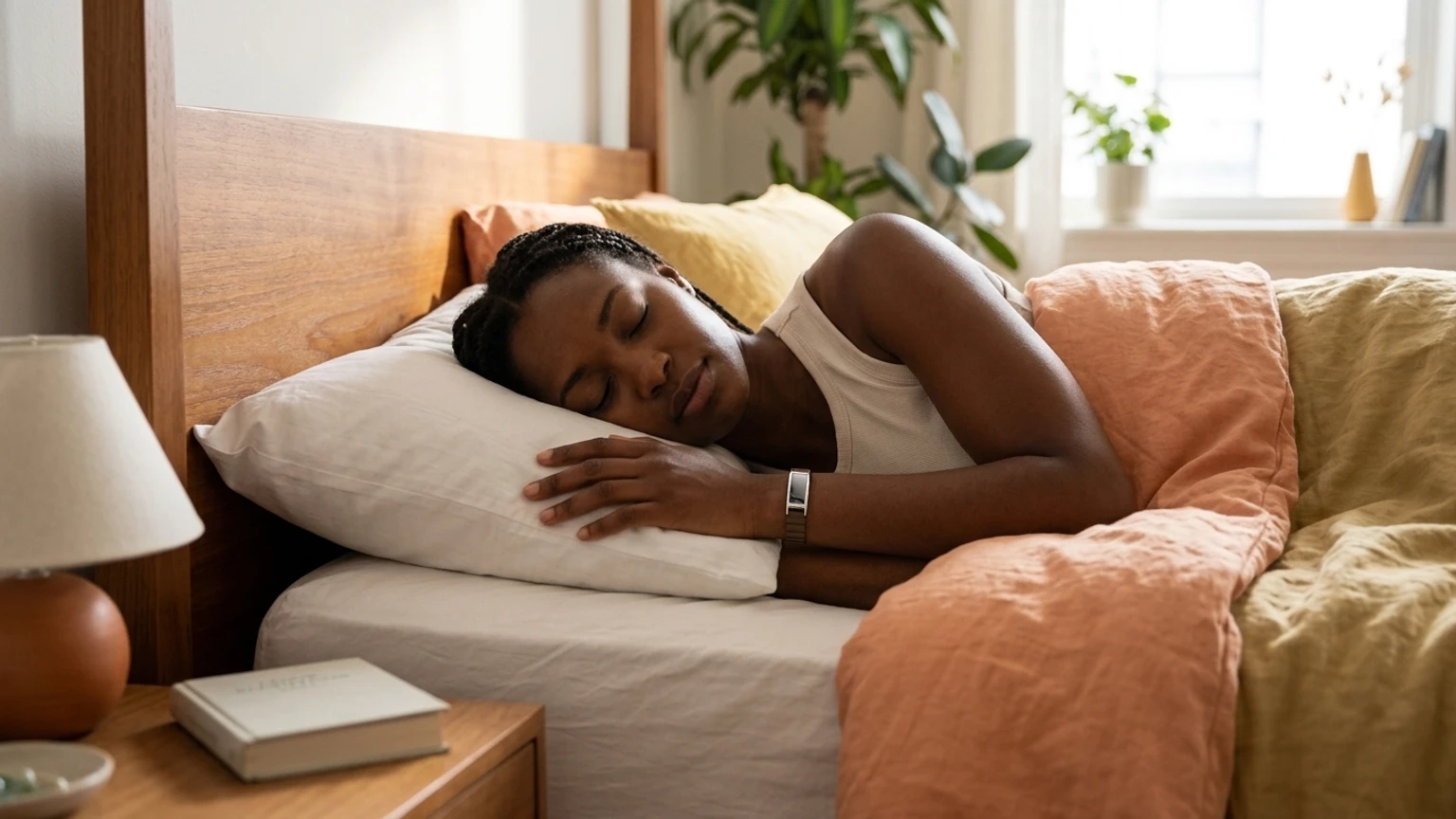
Comfort is a data-quality issue. A tracker that feels intrusive during work, exercise, social plans, or sleep is more likely to be removed, creating gaps exactly when continuous tracking would be useful.
A slim fitness band appeals to people who want a small screen, basic notifications, and a lighter wrist presence. A larger smartwatch makes more sense when maps, calls, payments, apps, and detailed workout views are central to the day. A smart ring removes the screen entirely and can feel discreet, although it changes how users check information and interact with the device.
Use this comfort test before buying:
| If your priority is... | Form factor to consider | Tradeoff |
|---|---|---|
| Basic movement and sleep tracking | Slim fitness band | Limited smartwatch functions |
| Calls, apps, payments, and on-wrist maps | Full smartwatch | More wrist bulk and charging attention |
| Discreet overnight wear | Smart ring | No wrist display and a different fit |
| Essential metrics with minimal interruption | Lightweight health wearable | Fewer advanced training features |
Chargerless Ray is an option for Samsung users who want a lightweight, sleek wearable covering heart rate, steps, sleep, and activity. It is aimed at daily health awareness rather than replacing a Galaxy Watch for calls, payments, GPS navigation, or third-party apps.
For more guidance on choosing a smaller form factor, the health tracker bracelet buyer’s guide focuses on the relationship between comfort, coverage, and daily wear.
Charging convenience is part of tracking consistency
Charging is a behavior question, not merely a battery specification. Every time a wearable comes off the wrist for charging, it can lose sleep, activity, or heart-rate data. A tracker can have excellent sensors and still produce an incomplete picture if it is frequently sitting on a charger.
Conventional rechargeable wearables each use different schedules. Samsung’s Galaxy Fit3 lists up to 13 days under stated conditions, while a Galaxy Watch usually requires more frequent charging because it supports a larger display, apps, communications, and smartwatch functions. Fitbit devices use model-specific USB charging cables, and Google says charging to full can take one to two hours. (Fitbit charging guidance)
Oura’s current support guidance says Ring 4 typically lasts five to eight days, while Ring 5 typically lasts six to nine days, with charging time depending on the battery level. (Oura battery and charging guidance) Garmin battery life also varies by features such as wrist heart rate, notifications, GPS, and connected sensors. (Garmin battery information)
Ray takes a different approach. Its solar-powered wearable is designed to need about one minute of sunlight per day to keep running. That makes it relevant to people who want to reduce routine charging, even though it does not provide the broader smartwatch feature set of a Galaxy Watch.
The best activity tracker without charging guide explores this behavior-based comparison in more detail.
Compare Samsung Health options with the alternatives
Samsung Health is the strongest choice when direct Galaxy integration and Samsung-exclusive features matter. Other brands can still work well with a Samsung phone, but their data generally lives in a separate app or passes through broader Android integrations rather than becoming a native Samsung wearable experience.
| Option | Samsung Health relationship | Core tracking | GPS and form factor | Best fit |
|---|---|---|---|---|
| Galaxy Fit3 | Direct Samsung ecosystem option | Steps, heart rate, sleep, activity | Phone-dependent GPS, slim band | Samsung users who want a simple fitness band |
| Galaxy Watch | Deepest Samsung integration on supported Galaxy phones | Core metrics plus broader health and workout features | Built-in GPS on applicable models, larger watch | Users who want calls, apps, payments, and maps |
| Fitbit | Primarily Google Health and Fitbit ecosystem | Steps, heart rate, sleep, activity | Model-dependent GPS, band or watch | People who prefer Fitbit’s app and habit tools |
| Oura | Separate Oura app with Android integrations | Strong sleep and wellness focus | Ring form factor, phone-assisted experience | Users prioritizing discreet overnight tracking |
| Garmin | Separate Garmin Connect ecosystem | Activity, heart rate, sleep, training | GPS-focused watches and bands | Outdoor users and structured training |
| Chargerless Ray | Separate health wearable experience | Heart rate, steps, sleep, activity | Lightweight solar-powered wearable | Samsung users prioritizing comfort and less charging |
Fitbit supports Android phones running Android 11 or later, while Oura supports Android 11 or later with Google Play services and Bluetooth 5.0. Compatibility should still be checked against the specific phone model before purchase. (Fitbit setup requirements, Oura Android requirements)
The best fitness tracker Samsung users can choose depends on the threshold that matters most. Select Samsung when ecosystem integration or exclusive Galaxy features decides the purchase. Choose Fitbit for its established app experience, Oura for sleep-centered ring tracking, or Garmin for outdoor training. Consider Ray when lightweight comfort, essential metrics, and solar-powered convenience matter more than smartwatch functions.
Key Takeaways
- Check direct Samsung Health support, phone compatibility, and feature restrictions before comparing devices.
- Galaxy Fit3 suits basic tracking, while Galaxy Watch adds GPS, calls, payments, apps, and a fuller smartwatch experience.
- Heart rate, steps, sleep, and activity are enough for many daily wellness routines.
- Solar-powered charging can reduce the interruptions that create gaps in long-term tracking.
For Samsung users, the right choice comes down to the routine the wearable must support. Ray makes sense when the priority is a lighter device that covers essential health metrics and needs about one minute of sunlight per day instead of regular cable charging. Explore Ray, the new way to track your health.
Frequently Asked Questions
Does Samsung have a built-in fitness tracker?
Yes. Samsung offers fitness bands such as Galaxy Fit3 and smartwatches such as Galaxy Watch. Galaxy Fit3 focuses on everyday activity, sleep, heart rate, exercise tracking, and notifications, while Galaxy Watch models add broader smartwatch functions and, on applicable models, built-in GPS. (Samsung Galaxy Fit3 features)
What fitness tracker works with Samsung Health?
Samsung Galaxy Fit3 and Galaxy Watch models are designed to work directly with Samsung Health. Other Android wearables can sync selected information through their own apps or Android health integrations, but the available metrics and connection method vary by brand.
What is the best fitness tracker to use with a Samsung phone?
The best option depends on the feature threshold. Galaxy Fit3 fits users who want a slim band and core metrics, Galaxy Watch fits users who want calls, apps, payments, and built-in GPS, and Ray fits users who want lightweight heart-rate, step, sleep, and activity tracking with solar-powered charging.
Which Samsung fitness tracker is the best?
Galaxy Fit3 is the better Samsung fitness tracker for simple daily health monitoring and a slim form factor. Galaxy Watch is the better choice when smartwatch features, phone-free GPS, calls, payments, and third-party apps are central to the routine.